0
Table of Contents
The 10 best trading platform design examples in 2026
You need to support your traders throughout their journey. Proper and thoughtful design is how you do it.
Last updated: February 2026
Seamless trading experience. That’s pretty much all users want from a trading platform, and you think everyone would have it. But no…
Speaking from experience as a SaaS and Fintech design agency, many online trading solutions are far from intuitive.
Smooth UX that empowers people to make informed investment decisions - that’s what we’re after today.
Along with some useful first-hand design tips, we have compiled a list of ten best trading platform design examples in 2026 that have come very close to creating a perfect trading experience.
Trading platform UI design - what to focus on
To create a trading platform whose interface gives your users the freedom to quickly and securely execute their transactions, the primary focus should be on designing a seamless and not-too-overcomplicated experience. First of all, consider incorporating these features:
- Market updates
- Advanced ordering and research tools
- Visual data representation
- Financial calculators
- Automated trading advisors
Navigation plays another crucial role in platform usability.
Frequently used options should be prominently placed in headers, while less common functions can reside in footers. This way, you can easily access key features while maintaining a clean interface.
And don’t forget the customization!
Offer analytic tools to help your users understand market conditions and develop strategies. Consider also integrating with customized bots for investment apps. Additionally, give timely notifications and comprehensive research tools so your traders can stay informed and make better decisions.
Trading platform design - Top 10 for 2026
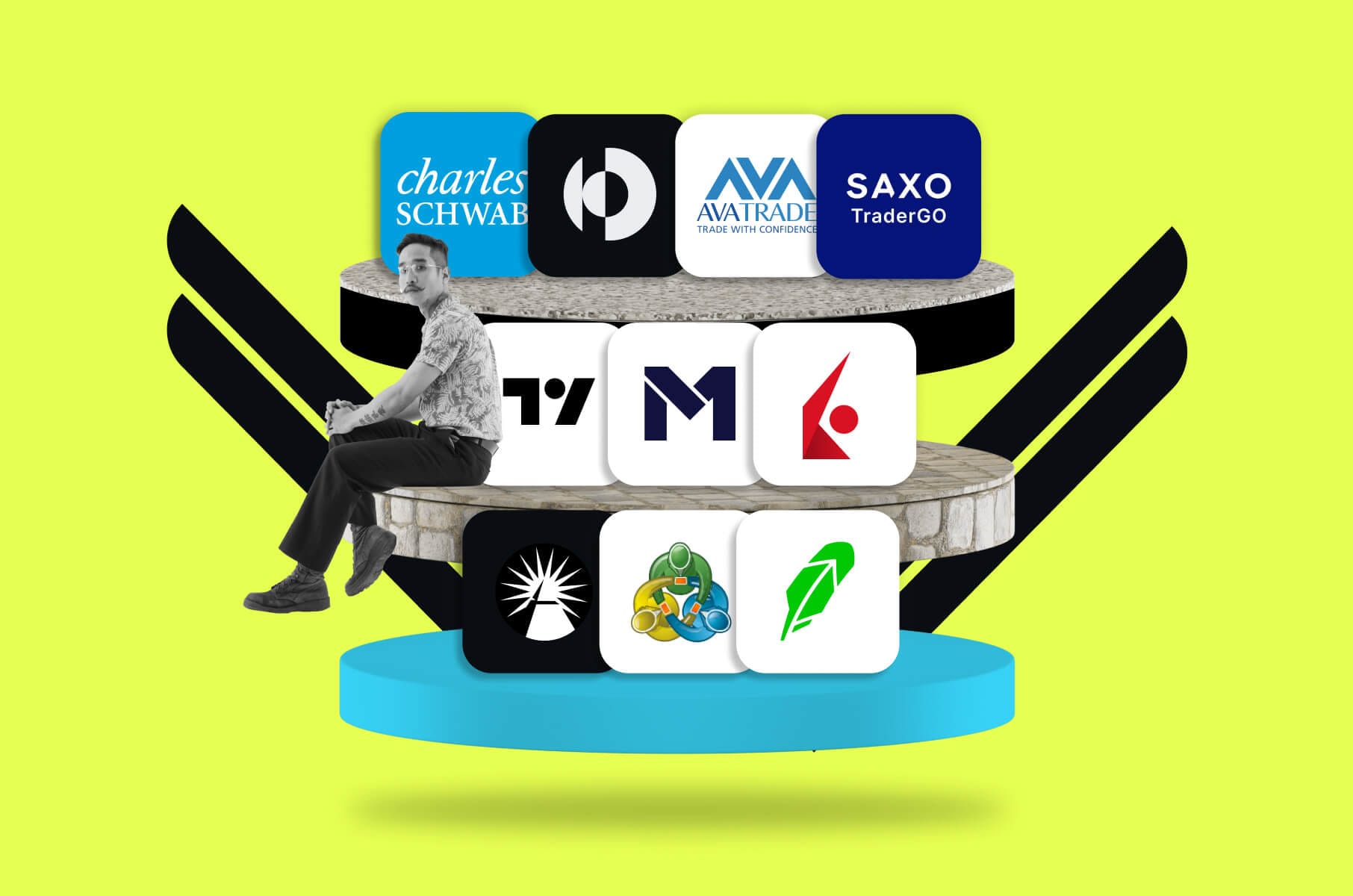
Our team has carefully chosen the following trading platforms for their features, user-friendly designs, and ability to cater to different types of investors, from beginners to experienced traders.
Quantango
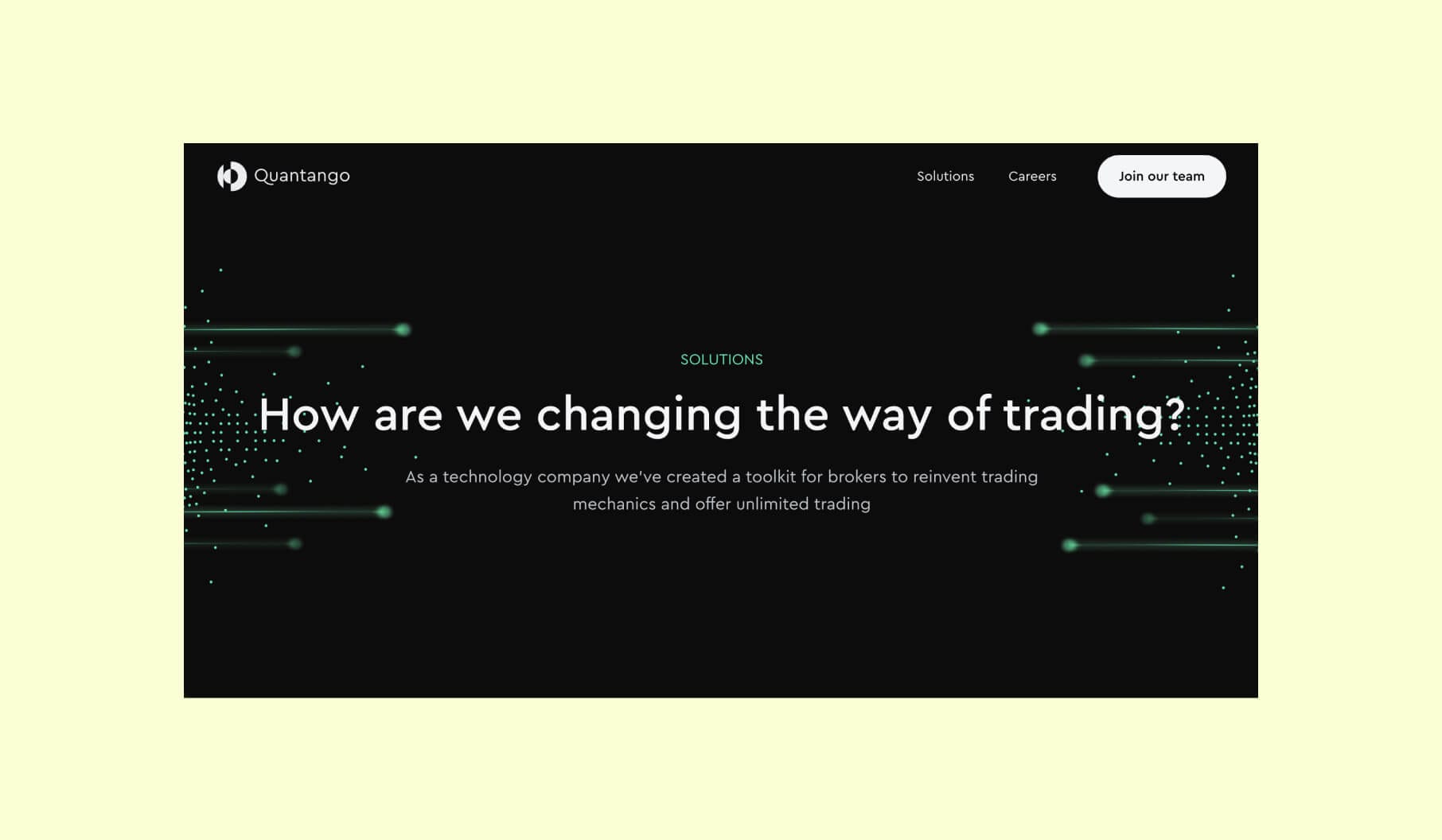
Quantango’s platform takes a minimalist approach with a design that feels modern and well-suited for tech-driven trading. The interface is clean and intuitive, making it easy for users to navigate, with a focus on customization and flexibility. It supports a range of cross-asset trading options, allowing users to work with diverse datasets and backtest trading instruments.
While still evolving, the platform integrates advanced trading mechanics and focuses on risk analysis and strategy optimization. Its design enables traders to build and experiment with backtest ideas, making it an attractive choice for those seeking to push the boundaries of trading mechanics.
Fidelity
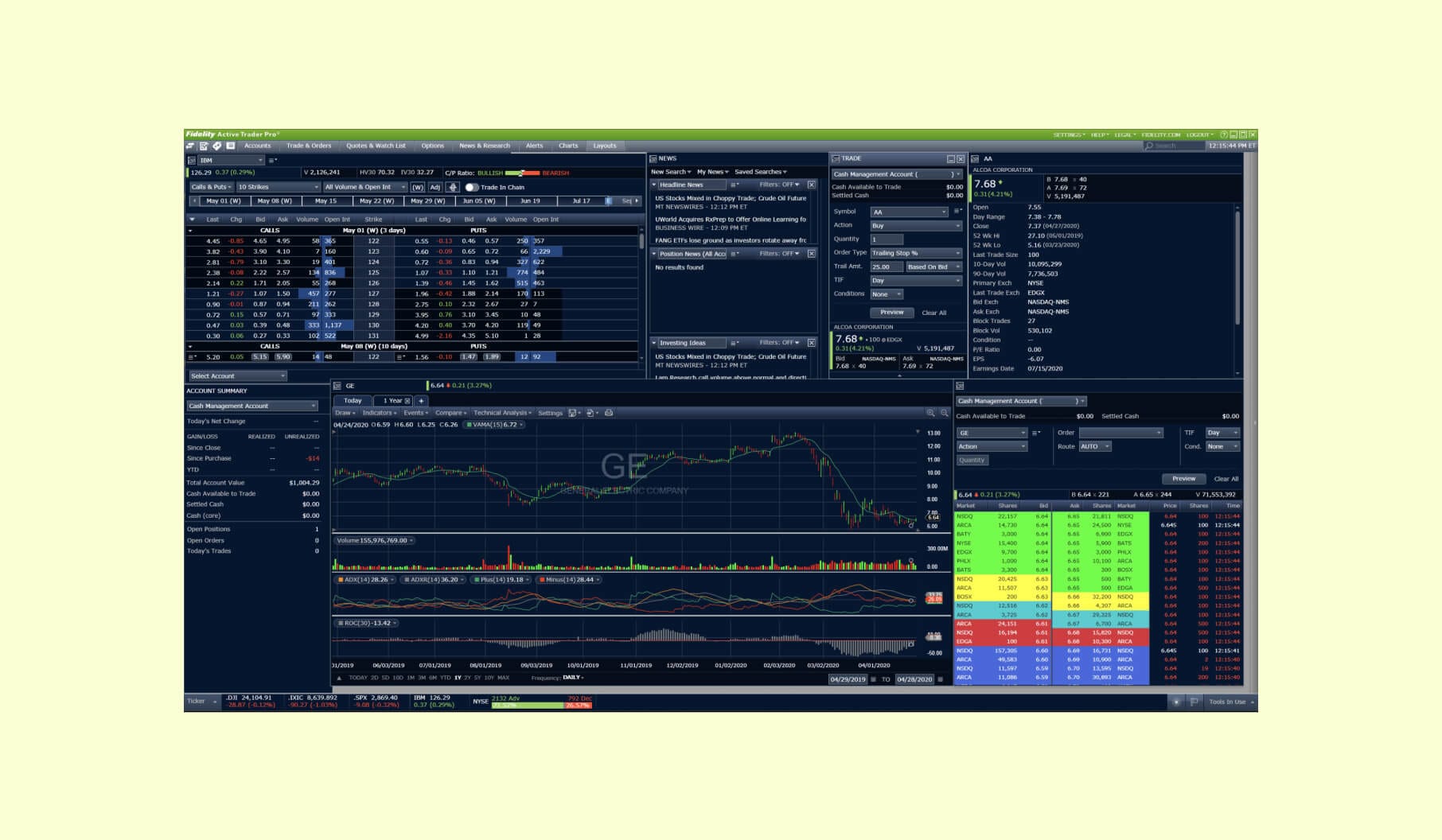
In 2026, Fidelity is better framed not just as a legacy brokerage interface, but as a broader platform ecosystem that includes Fidelity Trader+ across desktop, mobile, and web. From a product design perspective, it remains a solid benchmark for balancing clarity, robust trading tools, and the trust signals users expect in a financial product.
The brokerage firm covers the user experience and design basics well, making it suitable for both new and experienced investors who want to manage their money.
Charles Schwab
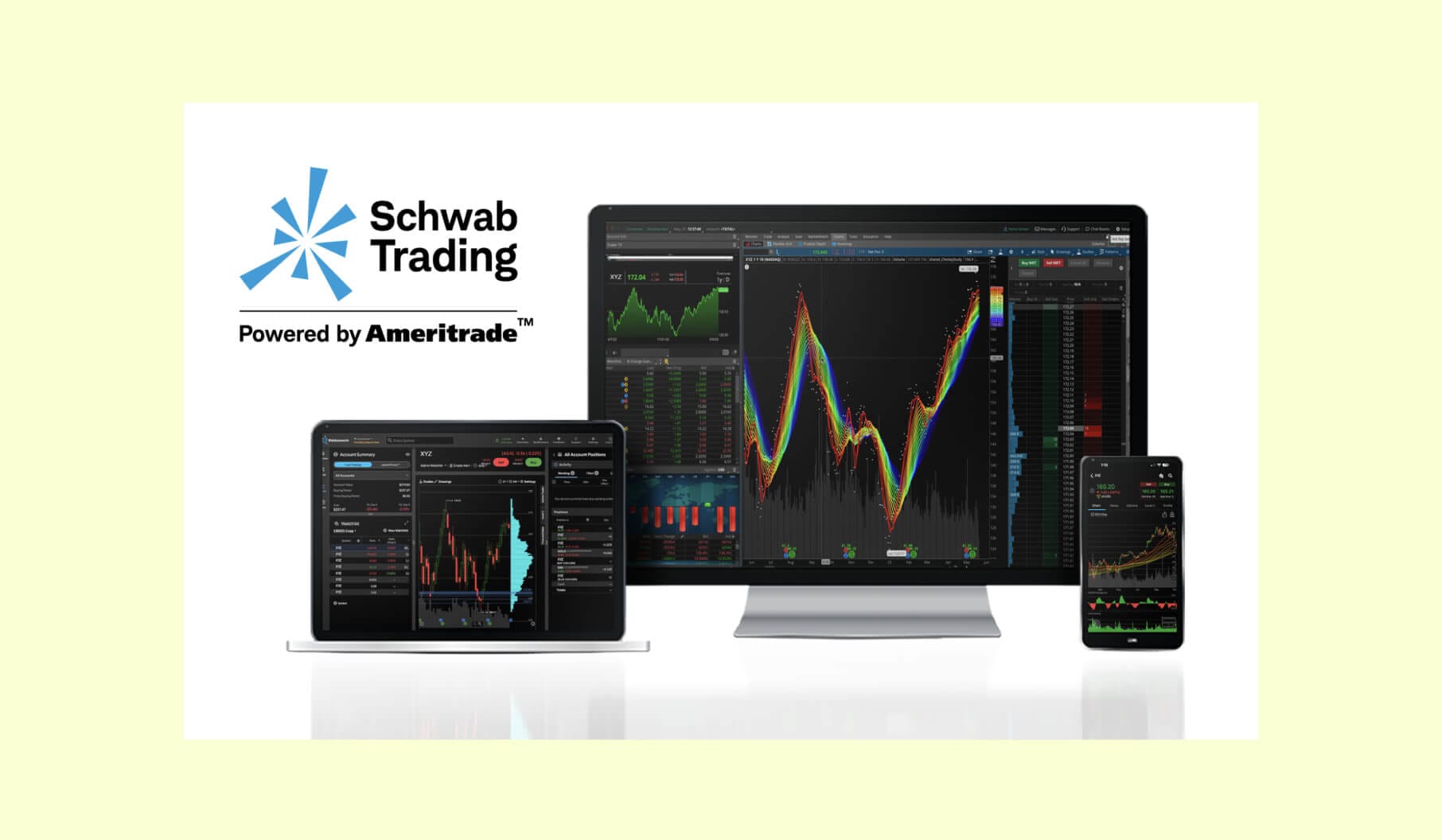
Schwab’s trading platform seamlessly integrates Thinkorswim, offering advanced charting, analysis, and trading tools for a wide range of investors. The platform now operates as part of a suite across desktop, web, and mobile, with a strong focus on delivering a consistent experience and cross-platform synchronization.
Whether you're using Thinkorswim Web, which is now a no-download option, or the desktop/mobile version, Schwab ensures that all tools and features are easily accessible across devices. This approach makes Schwab's platform a versatile option for both new and experienced traders, providing the clarity and robust functionality they need for optimal decision-making.
Robinhood
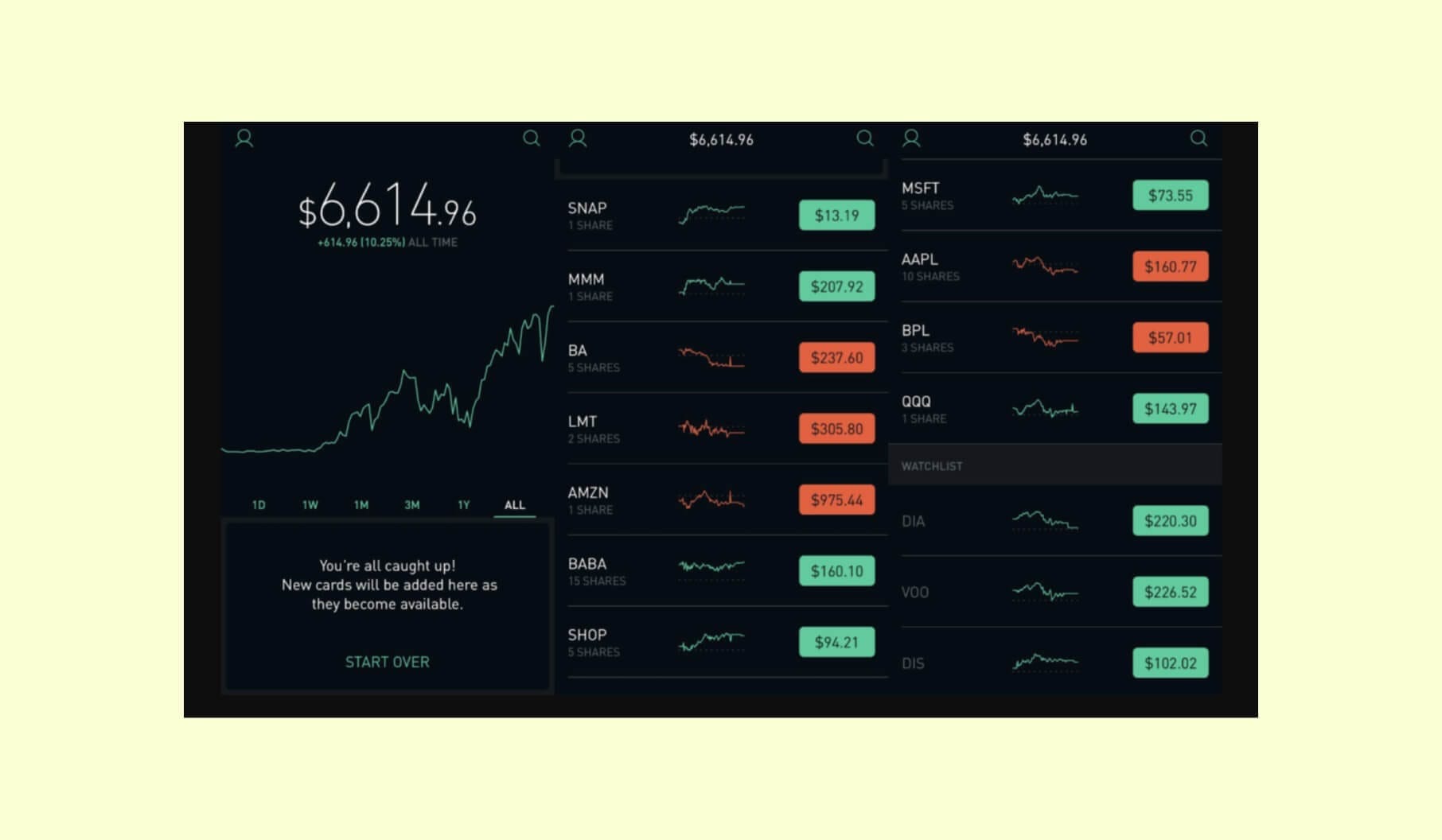
Robinhood’s trading platform is also designed with ease of use in mind. The clean, minimalist mobile-first interface is intuitive for beginners, with features like fractional share investing and instant funding making the process accessible.
Robinhood is no longer only a mobile-first reference point — it now also offers Robinhood Legend, a desktop trading experience built for more advanced workflows. This makes Robinhood a stronger example in 2026 for teams studying how to scale from beginner-friendly UX to customizable, chart-centric desktop trading interfaces.
SaxoTraderGO
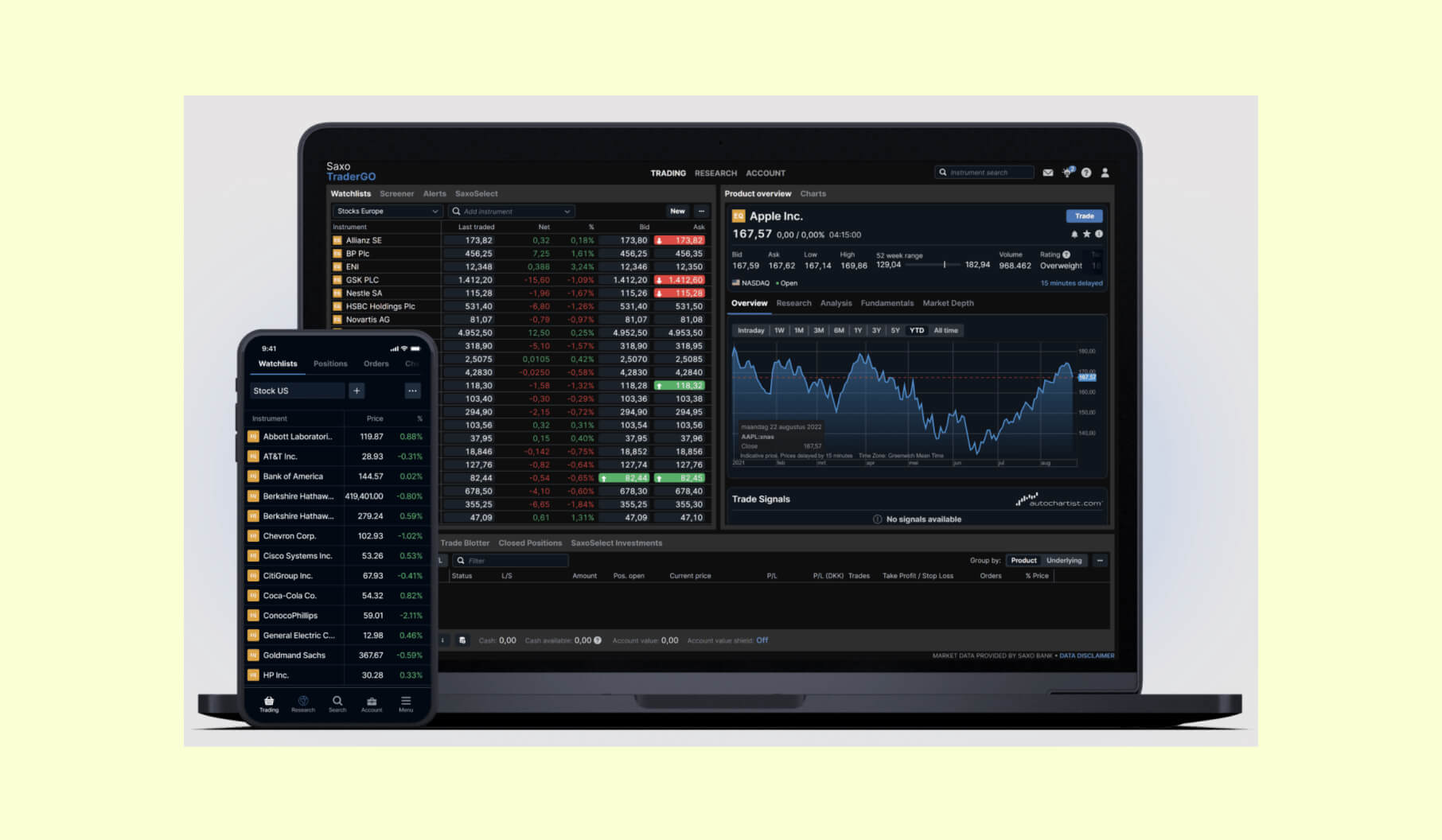
SaxoTraderGO strikes a balance between simplicity and functionality, offering a clean, intuitive user interface suitable for traders who value an uncluttered experience without sacrificing essential tools. The platform’s seamless synchronization across desktop and mobile devices ensures consistent access to powerful trading features on the go.
SaxoTraderGO offers an extensive suite of advanced technical indicators and customizable charting options, empowering traders to make informed decisions. Its mobile-first design provides traders with a seamless, efficient experience across devices, allowing for flexibility and easy access to market insights anywhere.
MetaTrader 4 and 5
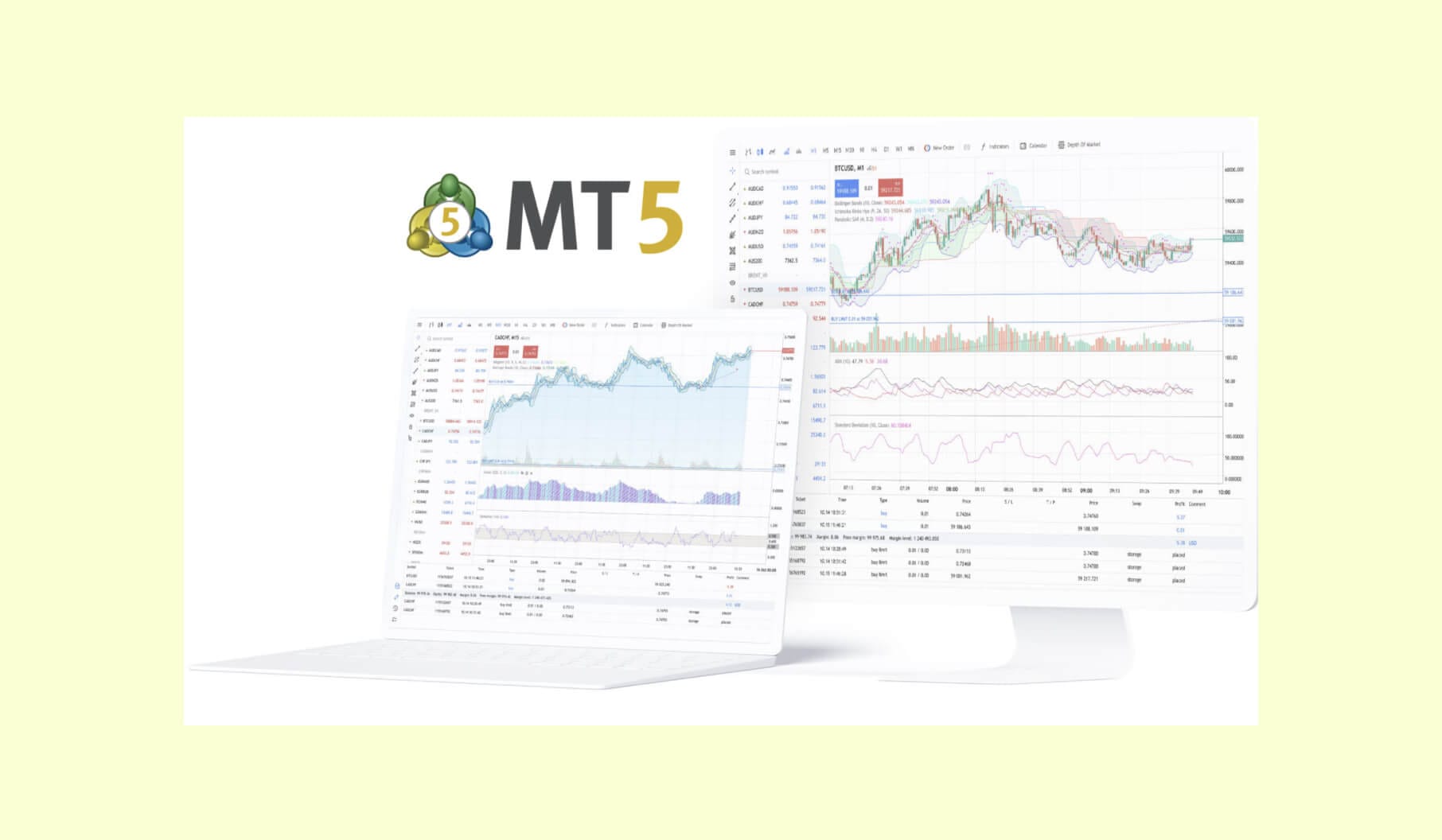
MetaTrader 4 (MT4) and MetaTrader 5 (MT5) are both long-standing platforms in the Forex trading space, but in 2026, the landscape has evolved. While MT4 continues to serve as a legacy benchmark with a straightforward, user-friendly interface, MT5 has surpassed it in combined volume since 2025 and now stands as the stronger default reference for new platforms and modern expectations. MT5 offers a more contemporary design, with advanced analytical tools, multi-asset class support, and expanded charting capabilities.
MT4 still remains a valuable tool, especially for beginners and those seeking simplicity, but MT5’s performance and versatility make it the preferred choice for new trading products and sophisticated workflows. Both platforms are known for reliable order execution, robust mobile trading support, and overall performance stability, making them suitable for a range of trading needs.
AvaTrade WebTrader
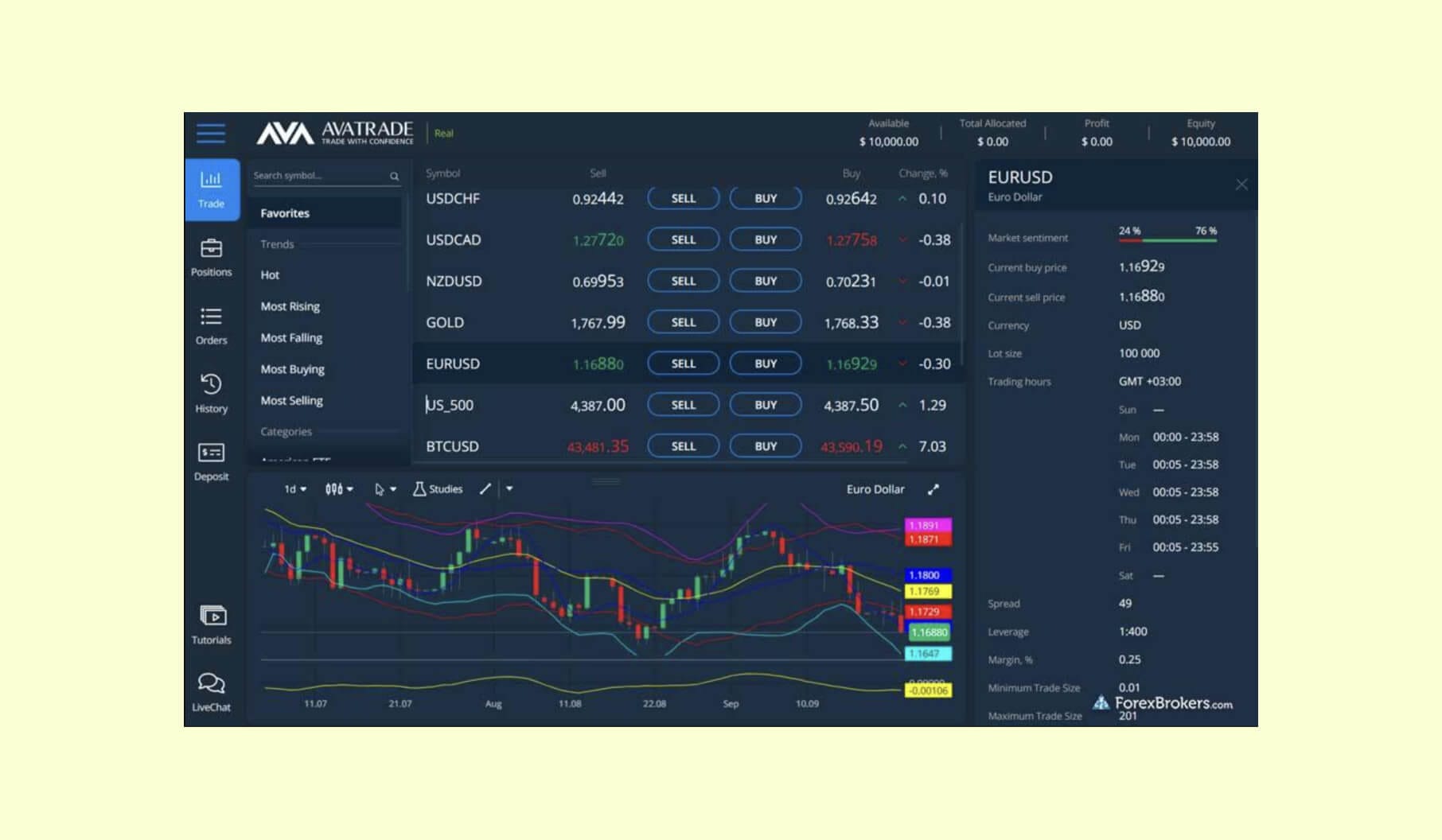
AvaTrade's WebTrader platform is designed for traders who need accessibility and ease-of-use without the need for downloads. The interface minimizes visual complexity, helping users focus on what matters most: trading. It integrates Trading Central for advanced market analysis and AvaProtect for added peace of mind in risk management. With seamless functionality across devices, WebTrader offers an efficient trading experience both on desktop and mobile.
M1 Finance
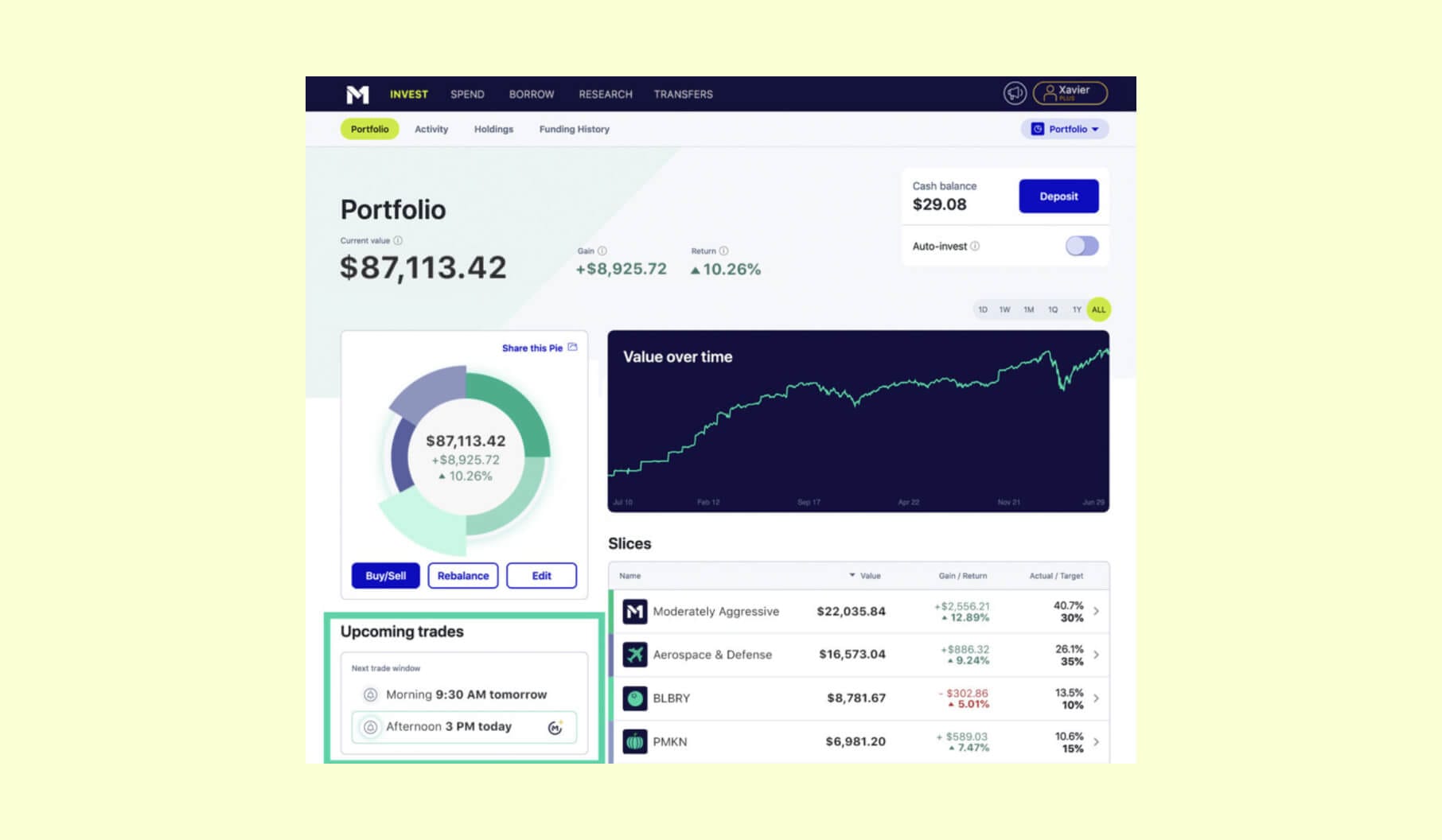
M1 Finance combines automated investing with high customization, offering an intuitive design on both desktop and mobile platforms. The layout is user-friendly, visualizing portfolios through easy-to-understand pie charts. Users can create custom portfolios or choose from pre-built expert pies, ensuring flexible investment strategies.
The platform also integrates dynamic rebalancing to automatically adjust portfolios based on market shifts, alongside fractional shares for increased investment flexibility. Importantly, M1 Finance remains commission-free, making it a cost-effective option for long-term investors.
Interactive Brokers
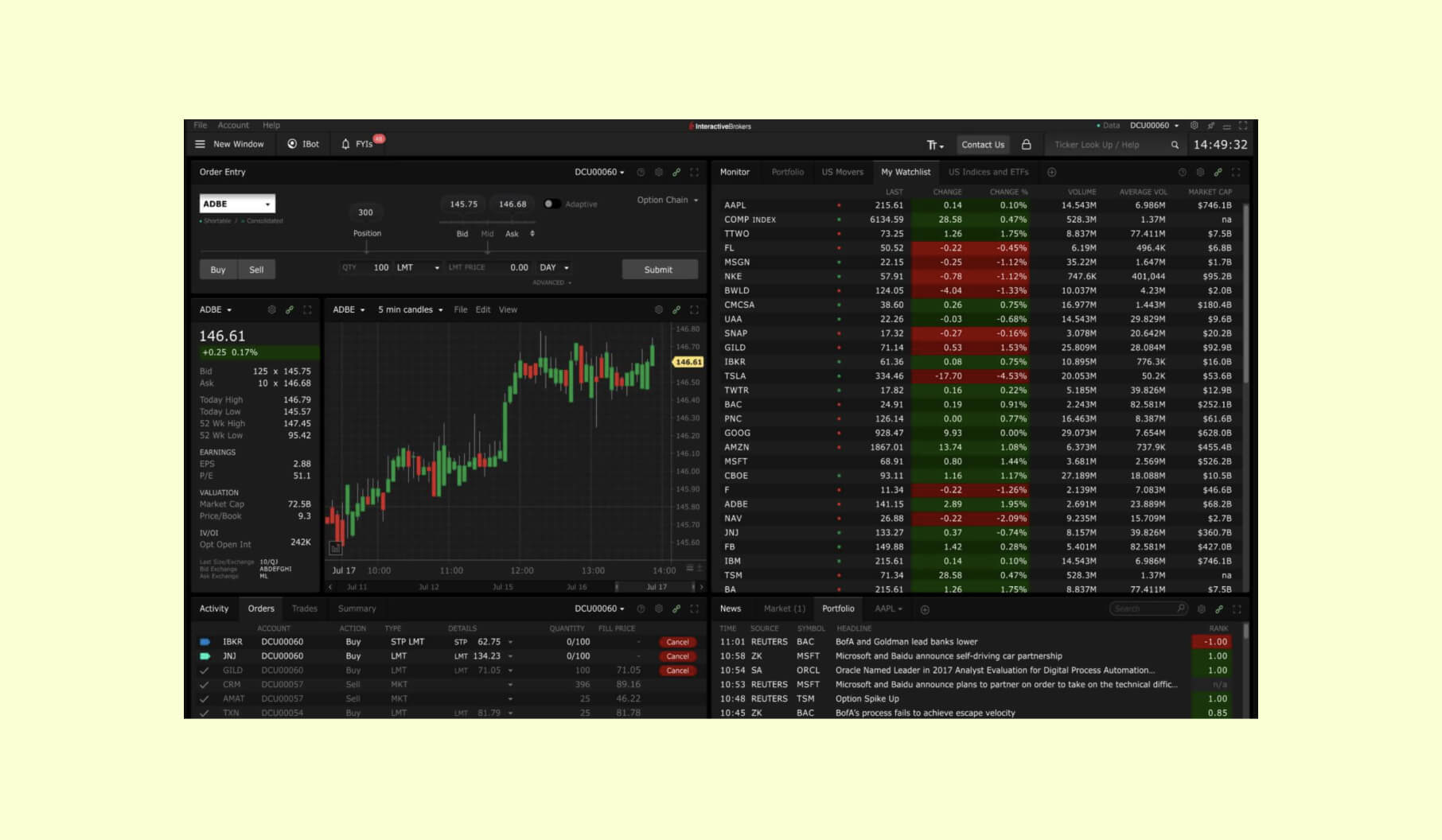
Interactive Brokers (IBKR) is designed for serious traders, offering a sophisticated and highly efficient platform. The interface provides access to a wide range of advanced trading tools across Client Portal, IBKR Desktop, and mobile platforms, ensuring a seamless experience across devices. While the platform may feel complex for beginners, it’s structured to cater to both novice and professional traders.
IBKR’s desktop experience has seen continuous UI design improvements, including the integration of AI-powered screeners and more customizable layouts, enabling traders to tailor their workspace for maximum productivity. This platform is ideal for those seeking a professional-grade trading environment, offering access to a comprehensive range of asset classes and market analysis tools.
TradingView
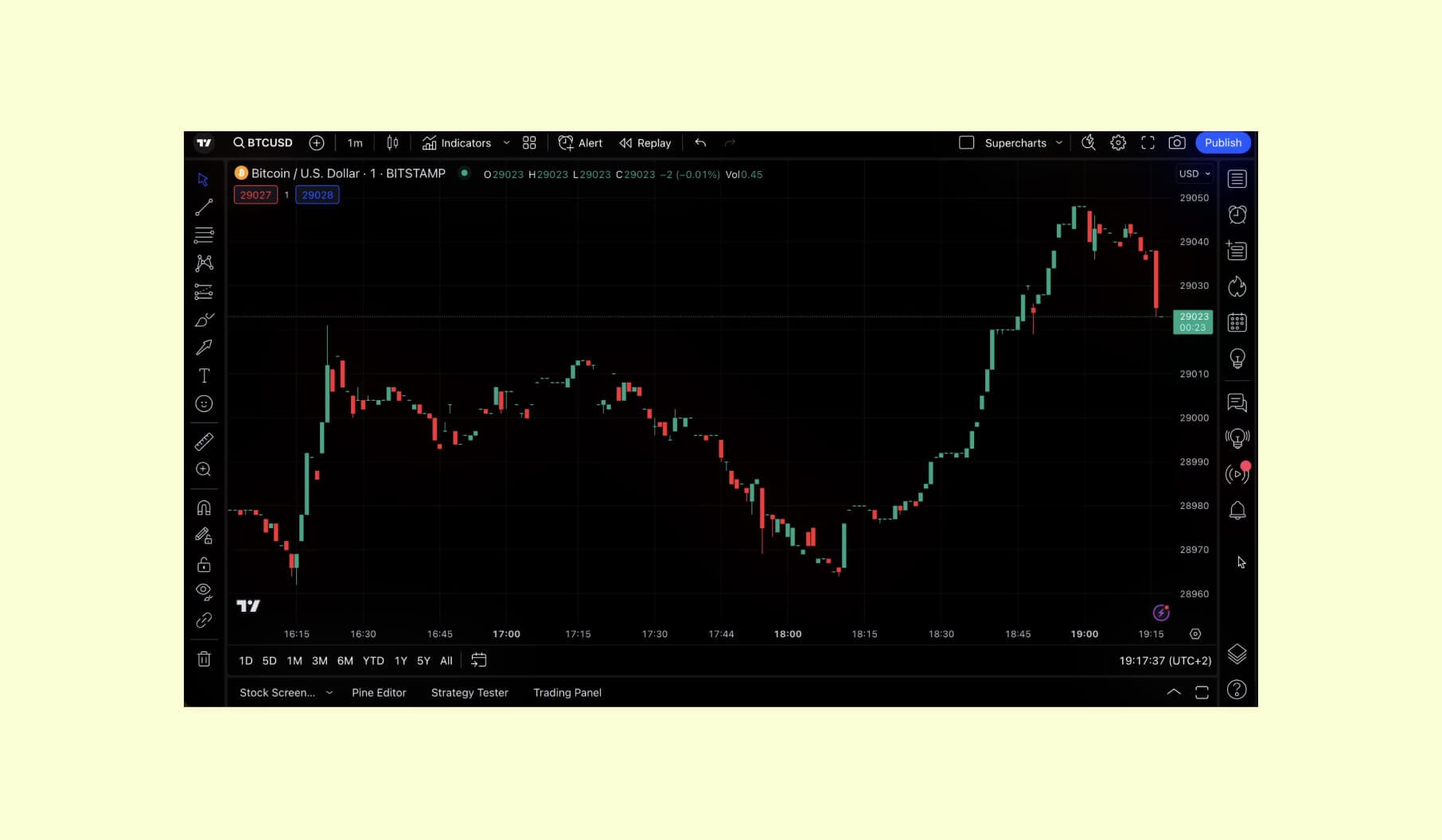
TradingView continues to lead as a charting platform and social trading network, used by 100M+ traders and investors. Known for its powerful charting capabilities, TradingView integrates advanced technical indicators with a community-driven approach. Its intuitive interface fosters collaboration, allowing traders to share strategies and analyses, further enhancing decision-making.
TradingView's mobile app provides seamless access to live data and graphs, ensuring that the trading experience remains sophisticated and interconnected across devices.
Tips for designing best trading platform UI
Jump to this section next time you need some tips for the key elements of your trading platform’s user interface design. We tried keeping it short and simple, with a focus on actionable strategies and value. Enjoy.
Intuitive navigation
- Keep navigation simple and familiar, so users can quickly find essential sections like FAQs.
- Use mega menus for complex trading layouts.
- Add essential elements to the header menu and less frequently used pages to the footer.
- Make transitions between pages smooth and engaging with animated effects.
Simple sign-up
- Allow users to sign up with social accounts like Google, Apple, LinkedIn, or X.
- Avoid long forms and ask for additional details later.
- Provide instructions or immediate help during the sign-up process.
Personal accounts
- Allow users to set custom notifications, invest in selected stock collections, and access detailed analysis of top movers.
- Provide recent news and cryptocurrency prices in dashboards.
- Include visual reports of user activity and allow them to configure personal settings, send and receive messages, and view forum stats.
Special features (consider adding some of these to make the trading experience better)
- Visual market analytics with dynamic bars, charts, market calendars, or currency pairs tables.
- Real-time news feed that provides ongoing, relevant information to traders.
- Financial calculators to help investors understand potential gains or losses from each trade.
- Automated FX trading advisors that fulfill trading strategies based on client-set conditions.
- Different order types - for example, offer conventional stop-losses, take-profits, limit and stop entry orders, partial trade closures, and trailing stop-losses to help users manage financial risks.
- Community and forums, such as chat rooms and forums, where traders can connect, share strategies, and discuss news.
Summary
A successful trading platform isn't just about features. It's about creating an ecosystem for your traders that supports them throughout their journey. Proper and thoughtful design is how you do it.
The top 10 platforms featured in this article demonstrate the importance of balancing functionality with usability, providing a seamless trading experience that sets them apart from the rest.
Incorporating these design principles and features into your own platform, you can easily build a loyal user base and establish your brand as a leader in the trading industry. Ready to take the next step? Partner with Merge, and we’ll help you create a platform that drives results.