0
Table of Contents
Custom frontend development for startups: when it's worth it (and when it isn't)
One of the biggest milestones for startups is launching their own website or web application.
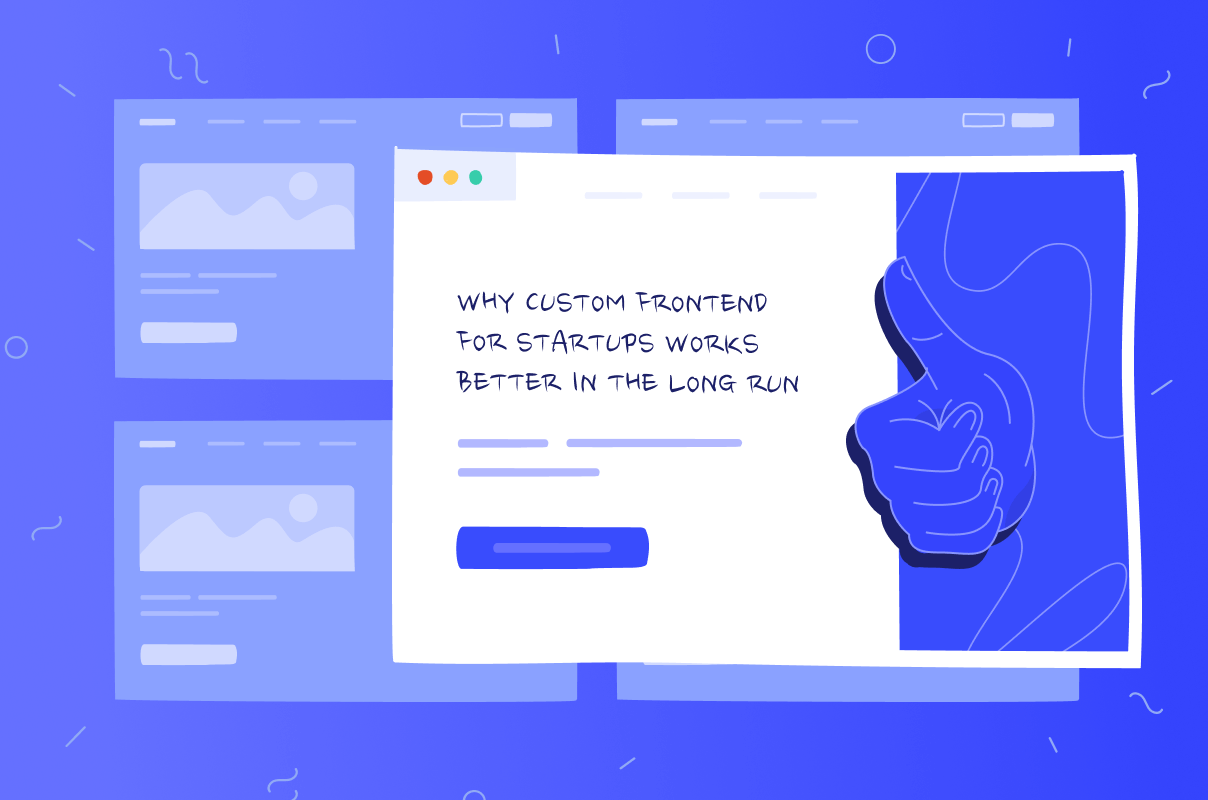
Launching a product is the moment when most startups make their first real frontend decision: build something custom or reach for a no-code tool to ship faster. Both are legitimate choices – the mistake is picking one without knowing what you're trading away.
This isn't an argument that custom frontend development is always right. It's a breakdown of when it is, when a no-code platform is genuinely the better call, and what a custom project includes once you commit to it.
If you already know you want a custom build and just need a team to build it, our front-end development team can scope the work with you. If you're still weighing the decision, here's how to think about it.
Get developers that understand your business goals
On-time project delivery. Latest coding standards. Data security.
Learn moreThe choice of custom, no-code, or off-the-shelf
We are not comparing "custom code vs. CSS toolkits." Every custom build already uses some combination of CSS and JavaScript tooling under the hood. Our comparison here focuses on custom development versus platforms that replace development entirely: Webflow, Framer, Wix, Bubble, and similar no-code or low-code tools where you configure a page rather than build one.
Off-the-shelf platforms trade flexibility for speed. You get a working site fast with less engineering overhead, but you're building within someone else's constraints: their component system, hosting, pricing tier, and pace of feature releases. Custom frontend development trades speed for control: your product's interactions, data flows, and integrations are built to your spec rather than fitted to a template.
If you already have a frontend and the question is what to do with it, there's a second decision: refresh, modernize incrementally, or rebuild.
- A refresh (improving what exists) makes sense when the core structure is sound, and the problems are surface-level: dated design, a slow page, a missing feature.
- Incremental modernization (replacing pieces of the codebase gradually, without stopping the product) is appropriate when parts of the foundation are genuinely outdated, but the rest still works, and a full rewrite would be overkill.
- A rebuild is worth considering when the codebase itself is consistently the obstacle: not one slow page or one old dependency, but a pattern across the whole product that keeps blocking new work.
None of those, on their own, determine which option you need, because that depends on the overall state of the codebase, not any single complaint about it.
When custom frontend development is the right call
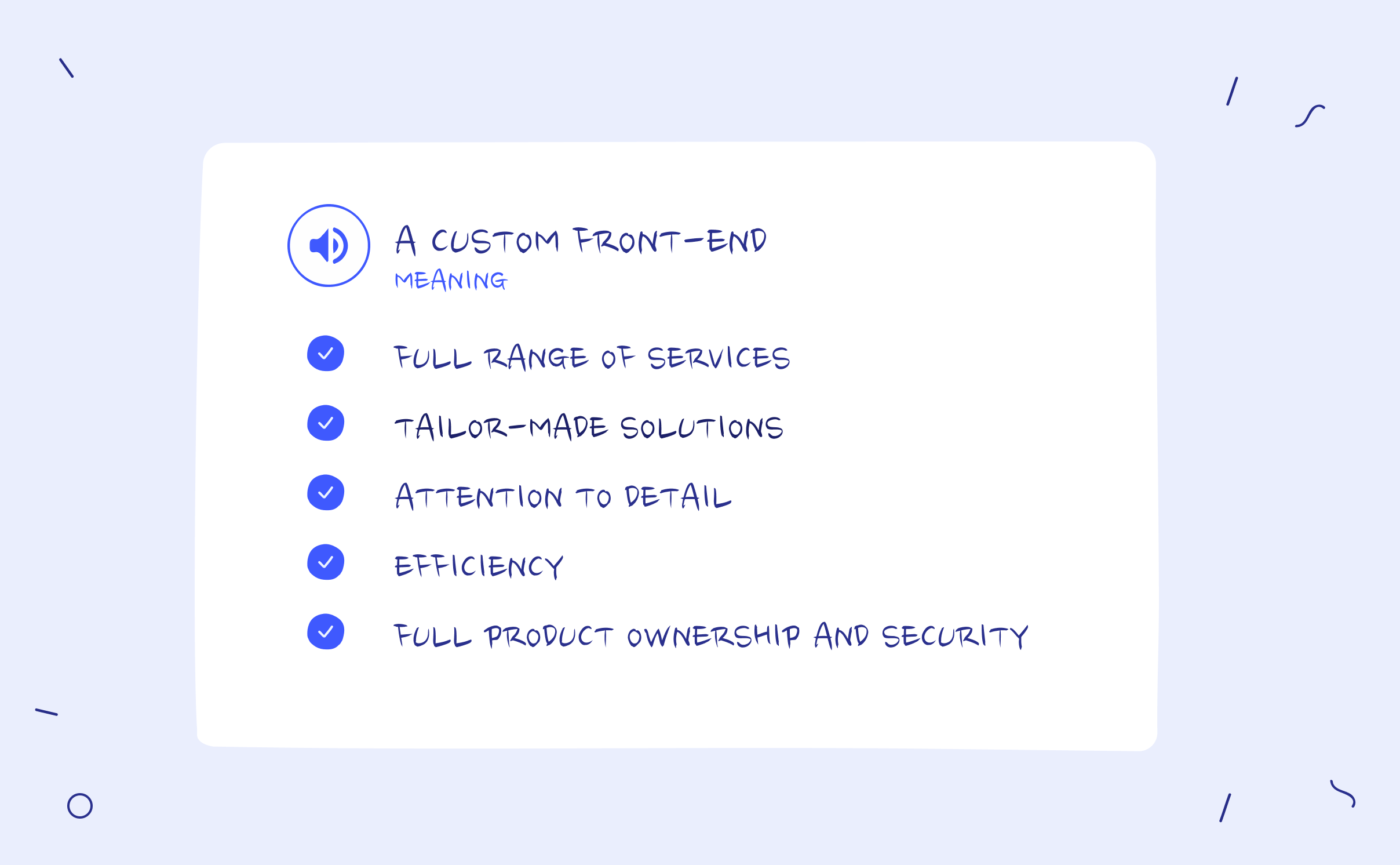
Full range of services
A custom frontend project doesn't have to mean starting from zero on every layer. Depending on scope, it can cover UX/UI design, front-end build, and ongoing maintenance under one team that understands the product end to end — or just the pieces you don't already have in-house, instead of stitching together a template, a page builder plugin, and a freelancer for the parts that don't fit.
Tailor-made solutions
Off-the-shelf tools are built more for the average use case. A custom frontend is built for yours: the specific user flows, edge cases, and business logic your product actually needs, not the closest configuration a template happens to support.
Attention to detail
Custom code handles interactions, states, and interface details natively – the things a page builder either doesn't support or forces into a workaround. That includes accessibility: custom code doesn't make a product accessible by default, but it gives you the room to build it in properly where a templated component library might block or complicate the fix. The same applies to brand-specific interface details a no-code platform's design system wasn't built to express.
Efficiency
Long-term efficiency often matters more than launch-day speed. A codebase you control doesn't fight you when you need to add a feature a page builder's component model wasn't designed for, and you're not waiting on a third-party platform's release cycle to unblock your own roadmap. That efficiency isn't automatic, though — it depends on the codebase actually staying maintained; an unmaintained custom build can end up harder to work with than a hosted platform that handles its own updates for you.
Full product ownership and security
Custom development gives you the option to own the code outright, but that's a contractual point to confirm with whoever builds it, not something "custom" guarantees by default. Security works the same way: owning your stack means security decisions, hosting, and technical direction are yours to make, not that the result is automatically more secure. On most no-code and off-the-shelf platforms, the vendor owns the underlying infrastructure, and its security is handled for you as part of the platform; with a custom build, that responsibility, and the control that comes with it, is yours to hold or to hand to whoever maintains the codebase after launch.
If your project fits the criteria above, our front-end development services team builds and modernizes custom frontends for exactly this kind of product, whether you're starting from scratch or working from an existing codebase.
When no-code or a template is actually the better choice
Sometimes no-code is genuinely the right tool, not a compromise.
A no-code platform like Webflow makes sense when the page itself is the product: a marketing site, a landing page for a campaign, or an early MVP that exists to validate an idea before you've committed to a technical direction. In those cases, the speed and lower upfront cost of a no-code build outweigh the flexibility of custom code you don't need yet — and if that's the direction you're headed, our Webflow development services team builds on it too, not just custom code.
Custom development earns its cost when a specific no-code platform can't express what your product actually needs — not because the feature category is inherently beyond no-code's reach, but because the platform you're evaluating doesn't support it for your case. A few concrete examples: a permissions model with more than two or three user roles, each seeing a different set of screens and actions; an integration with an internal or partner API that has no native connector and needs custom request handling; or an interface with enough conditional states, such as different views depending on subscription tier, onboarding progress, or account status, that a page builder's visual editor becomes harder to maintain than code would be. If you're not sure which side of that line your project is on, check the specific platform against your specific scenarios before assuming the feature category alone settles it.
What comes with a custom front-end project
What's actually in scope varies by project, but a custom front-end engagement typically draws from some combination of: UI design built around your product rather than a template library, front-end code built to your specific requirements, which can mean writing from scratch, working with an existing codebase, or building on ready-made components where that's the faster path — integration with your backend and APIs, and ongoing support once the product is live and requirements keep changing.
The frameworks that matter in 2026
What that code gets built with has moved past CSS component kits like Bootstrap, Foundation, Semantic UI, and Pure.css — they're still viable to reach for inside a custom build, but the real decision sits one layer up.
That's the JavaScript framework layer, and React, Vue, Angular, and Svelte are the ones doing that work in a modern custom front-end development project today. Picking between them is its own decision, with real trade-offs in ecosystem size, hiring pool, and learning curve; our breakdown of the best front-end framework in 2026 covers that comparison in depth.
What this looked like for Edgeport
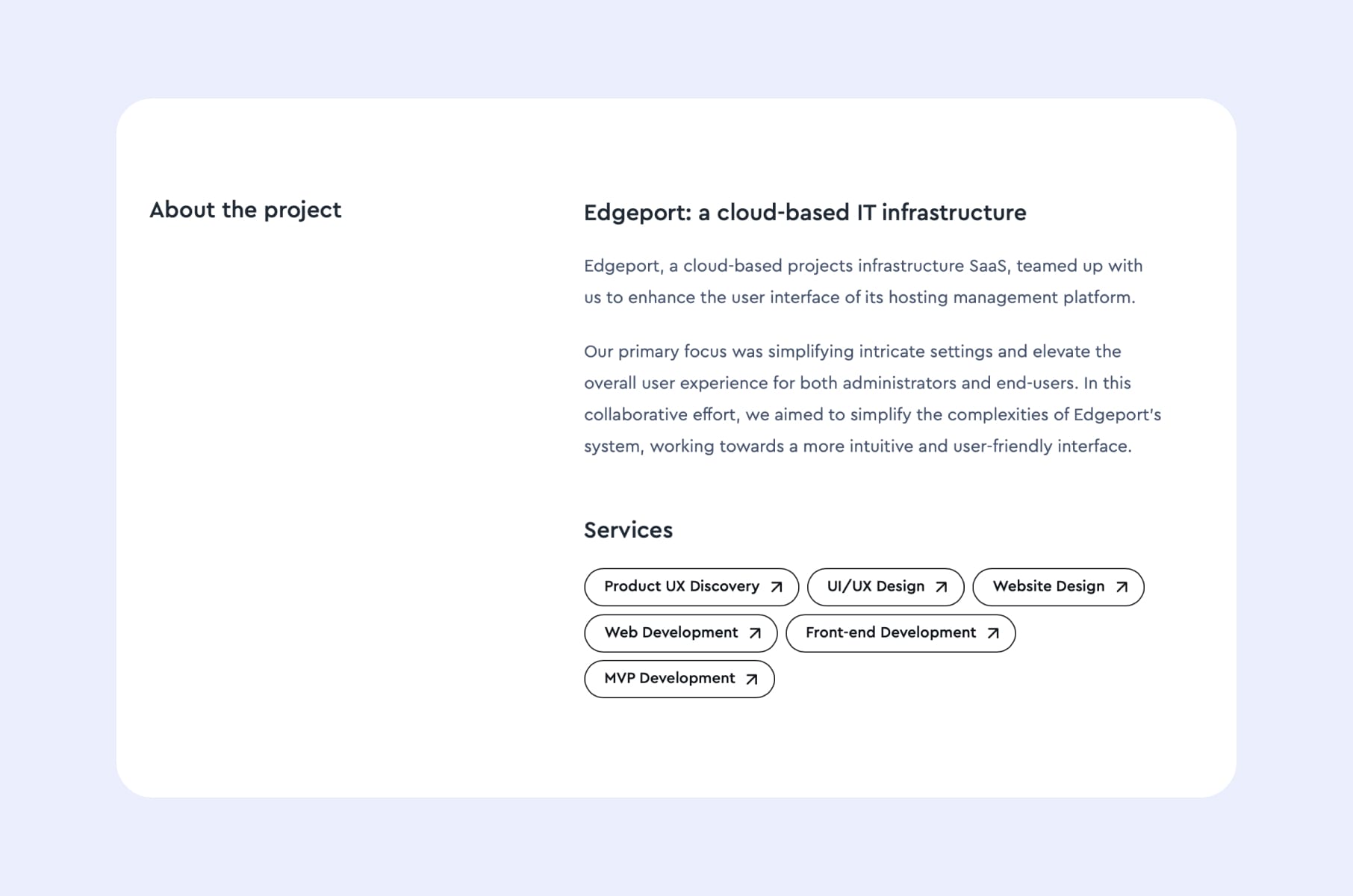
Edgeport, an IT infrastructure and cloud SaaS company, brought Merge in to simplify a genuinely complex problem: a hosting management platform with intricate settings that both administrators and end users needed to work through without getting lost. The engagement covered front-end development alongside product UX discovery, UI/UX design, and MVP development, built on React with Redux for state management, TypeScript, the Antd component library, SASS, Next.js, GSAP for animation, and DatoCMS for content.
See the full Edgeport case study for the complete list of services and technical scope.
Free Product UX Discovery Kit
Before committing to a custom build, it's worth stress-testing the product decisions the frontend will need to support. Our Product UX Discovery Kit is a set of templates built from our own team's process, covering stakeholder workshops, UX audits, competitor analysis, and roadmapping — exactly that kind of groundwork.
Get the Product UX Discovery Kit for free – no obligation, just the process.
Match the project to what you actually need
There's no universal right answer here, and no-code isn't a downgrade when it genuinely fits — match the platform to what your specific product needs, not to a general feature checklist. The same goes if you already have a frontend: refresh, modernize incrementally, or rebuild, based on the actual state of the codebase rather than any single complaint about it.
If you've landed on custom, our front-end development team can help you scope and build it — whether that means starting fresh or modernizing what you already have.